Most changes a client asks for are small. A new price, a fresh photo, a name added to the team page. Each one used to mean a support ticket or a lesson in the page builder. InlinerWP is our answer: the people you choose change those things on the live page and the layout stays exactly as you built it.
How it works
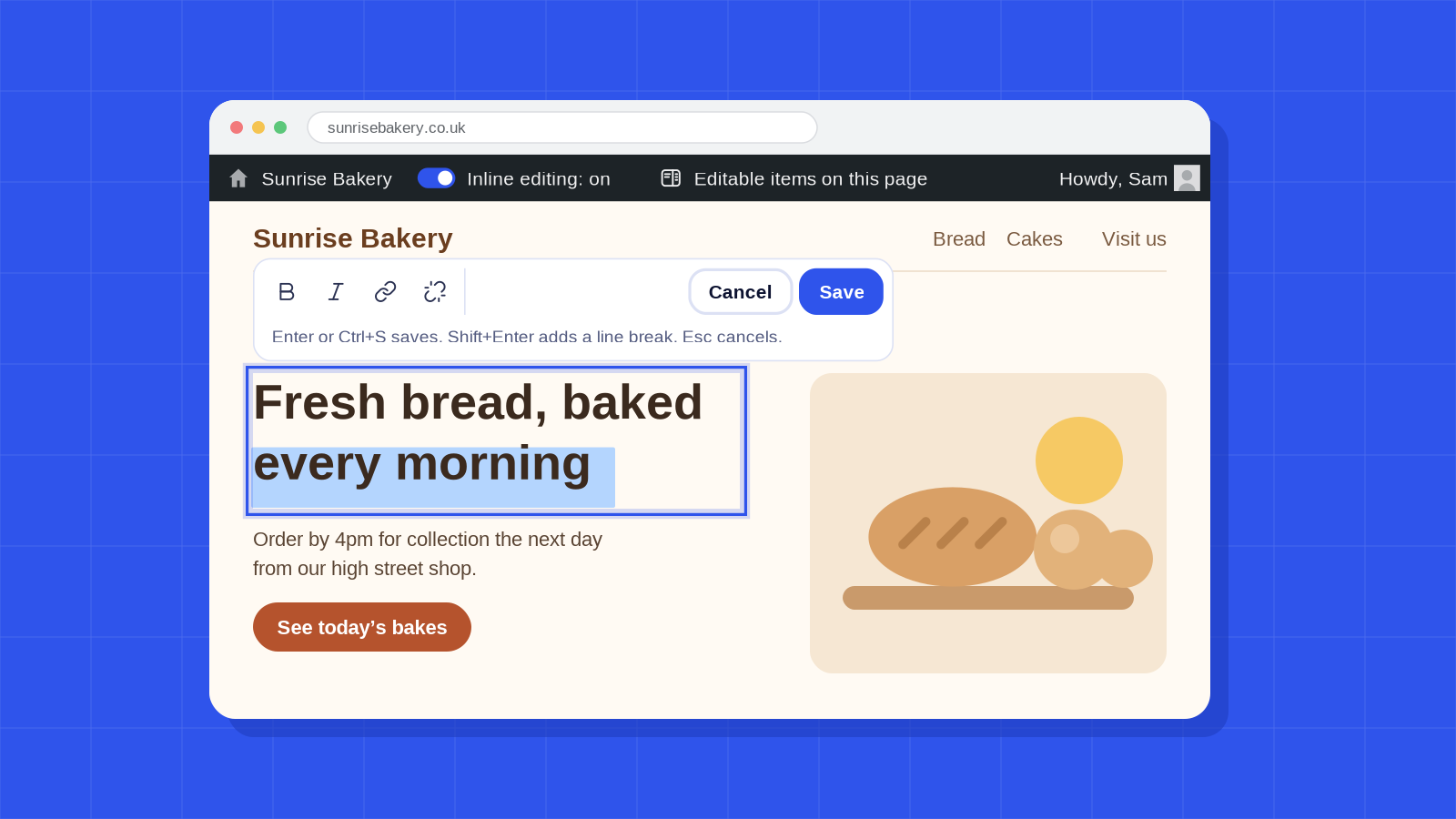
Sign in and visit any page. Switch editing on from the toolbar and everything you may change is outlined. Double-click a heading to type into it, right-click a button to change where it goes or pick a new picture from the media library. Nothing is saved until you press Enter or Ctrl+S. Ctrl+Z puts the last change back.
Built for Bricks and the block editor
InlinerWP writes to the same data the builders read. A change made on the page shows up in Bricks or the block editor afterwards. Later work in the builder keeps it.
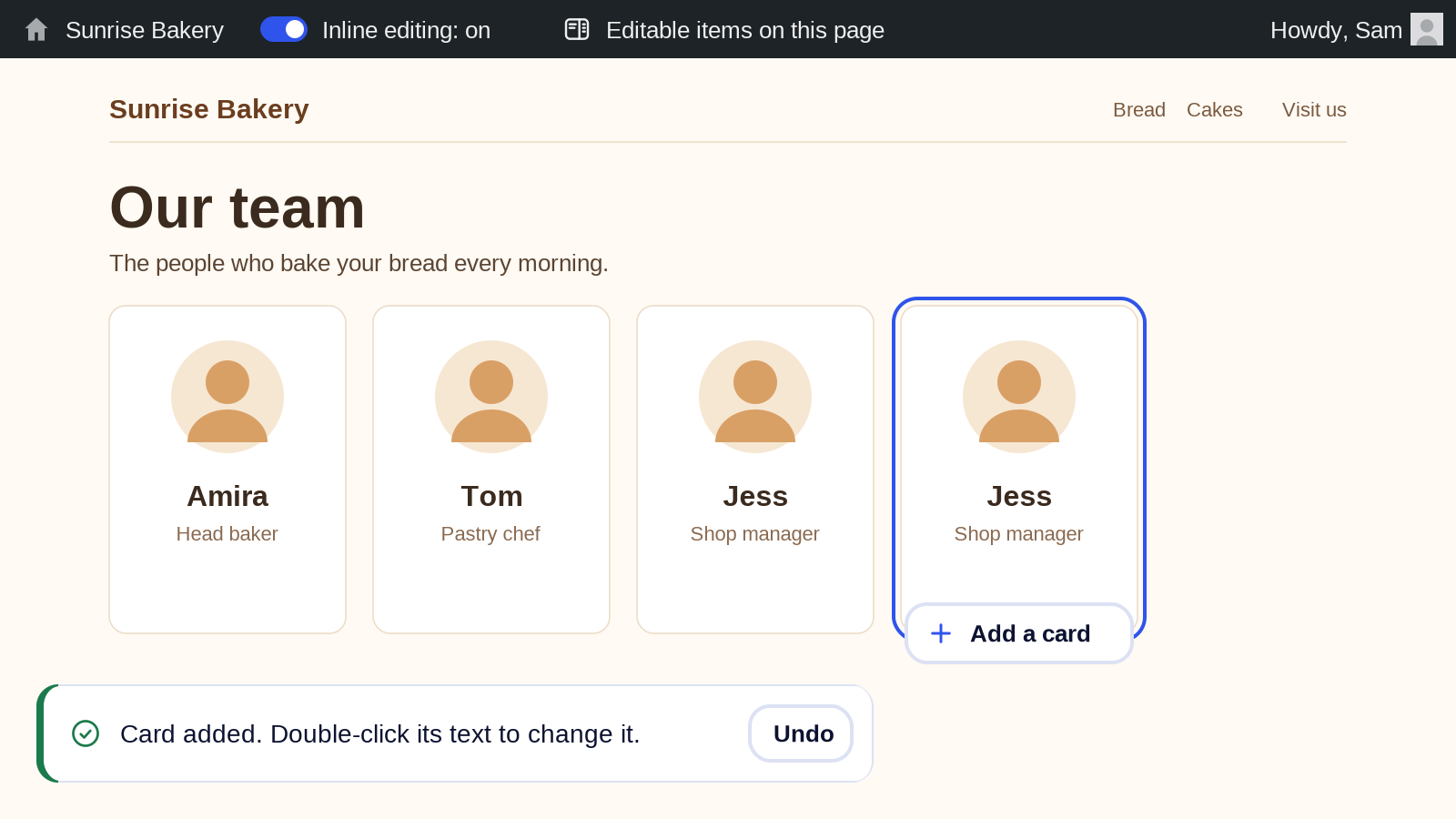
It understands ACF repeater lists shown by a Bricks query loop or an ACF block, so a team page or a price list can grow from the page itself. Cards that are not a list work too: copy one, move it along the row or remove it.
You stay in charge
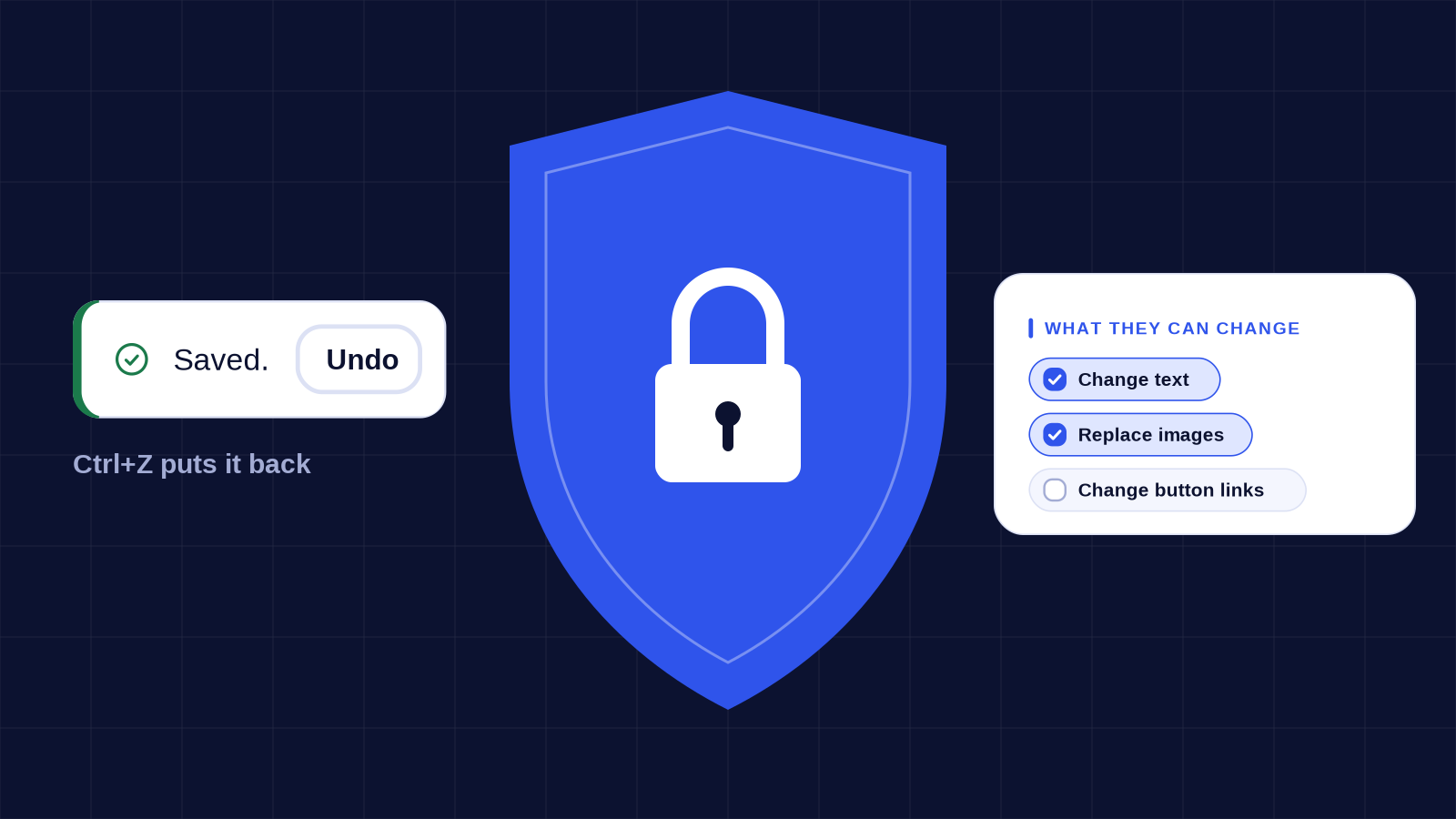
- Choose what each role and each person may change.
- Give clients the Inline editor role to keep them out of the dashboard.
- Protect any element with the inlinerwp-protected class.
- Undo any save from the same browser tab.
Try it in the playground or read the overview to see everything it does.