Team members, prices, opening times, questions. Most websites have at least one list that changes every few weeks. If the list is an ACF repeater, InlinerWP lets people change it right on the page.
What counts as a list
A repeater field from ACF PRO or Secure Custom Fields, shown on the page by a Bricks query loop or by an ACF block. Elements inside the loop become editable when they show one field and nothing else, such as a heading that shows a team member’s name.
Adding and removing items
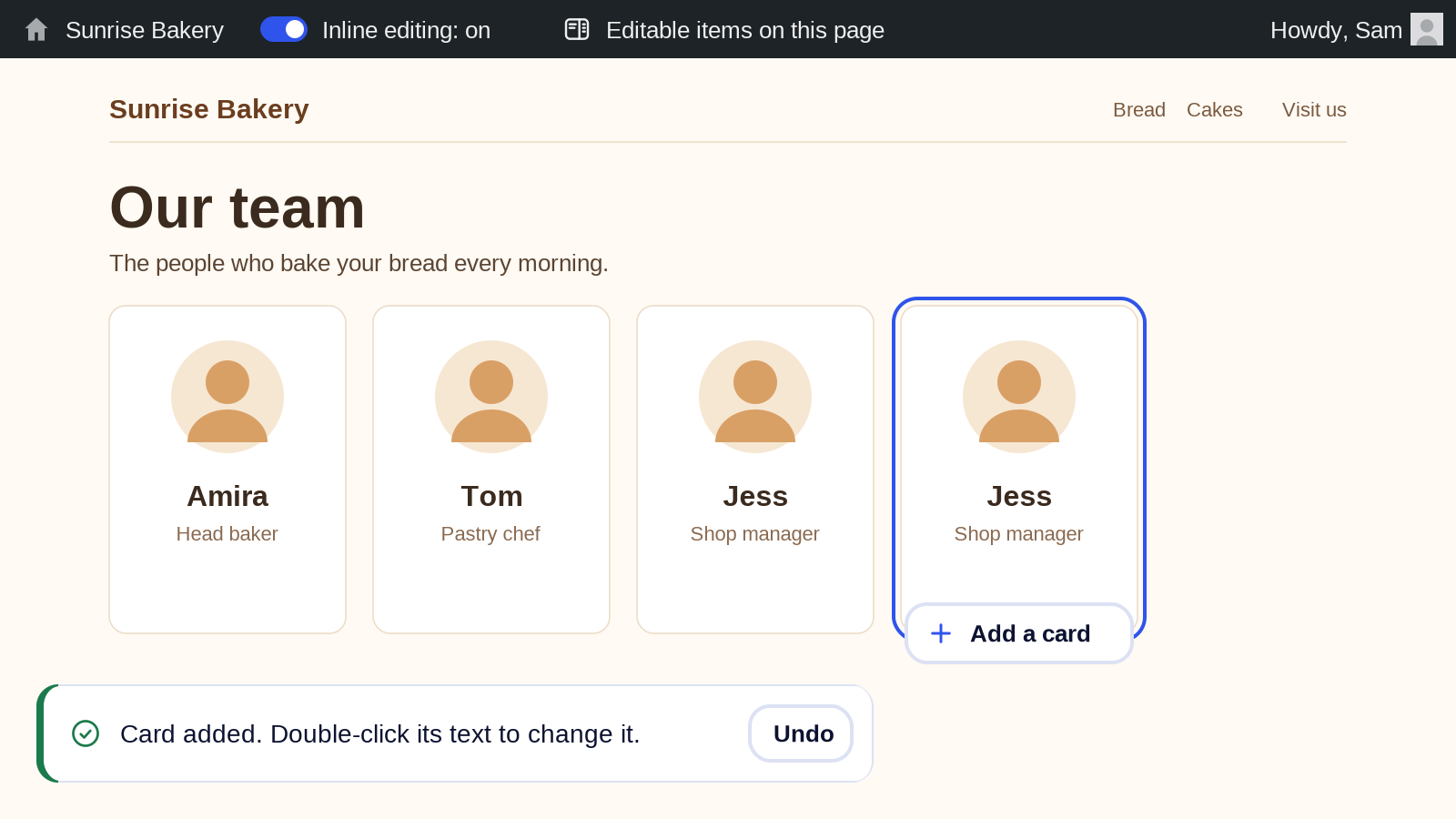
Right-click an item to add one after it or to remove it. A new item starts as a copy with placeholders to type into. Pictures and links are chosen in a small form beside it. The minimum and maximum number of items set in ACF and its required fields are respected.
Every field at once
Choose Change all fields of this item to see every field the item has, including the ones the page never shows, such as a booking link or a Featured tick. Only the fields you change are saved and Undo puts them back.
Not a list? Cards work too
Two or more boxes side by side, built the same way, count as cards. Copy one to its left or right, move it along the row or remove it, with the same undo as everything else.